




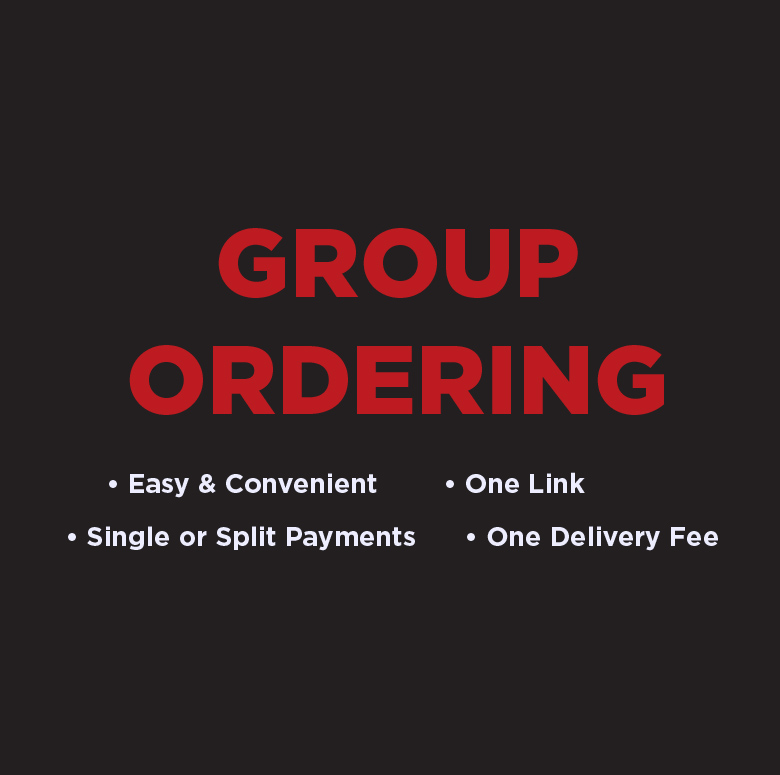
CLICK HERE TO START GROUP ORDERING
Step-by-Step Guide to Placing a Group Food Order
- Log In
Make sure you're signed into your account. - Create Your Group
Start a new group and give it a name. - Add Members
Invite people to join your group order. - Set Delivery Details
Enter the delivery location, date, and time. - Choose a Restaurant
Pick a restaurant where you'd like to place the group order. - Select Payment Method
Decide how the group will handle payments (e.g., split, individual, one person pays). - Share the Invite Link
Send the group invite link to all participants. - Place and Confirm Orders
Everyone selects their items, and you confirm the final order.